
Understanding equipment type in container tracking
Use provider-reported equipment information without confusing container type with shipment location or cargo-condition monitoring.
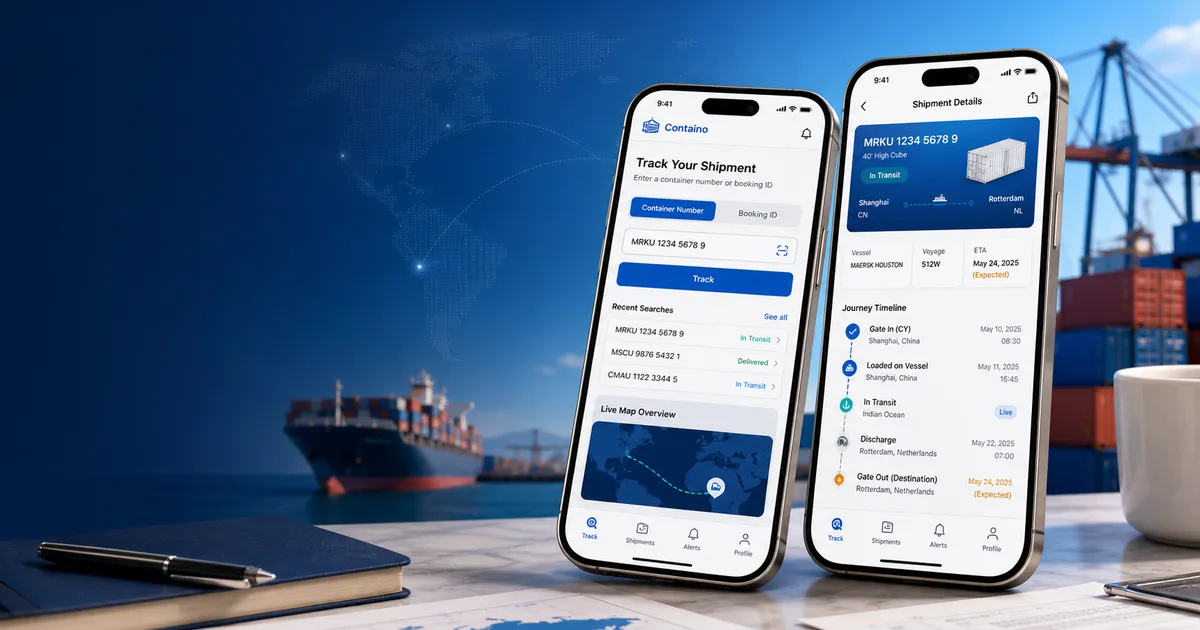
Equipment type describes the container
An equipment field adds context about the physical container. It is separate from the shipment’s milestone, vessel, voyage or ETA. For example, FindTEU’s developer example includes a container type of 40'HQ. That equipment value does not say whether the container has departed or arrived.
Use the information the provider supplies
Equipment information may be missing from a tracking response. When it is unavailable, consult your carrier or shipment documents rather than guessing from the container-number prefix. Provider codes can vary. Keep the original code when asking the carrier to confirm an unfamiliar equipment description.
A refrigerated container is not a temperature reading
An equipment description can identify a refrigerated container, but it does not establish the temperature of the cargo. Temperature and humidity monitoring require their own supported data service. Containo’s shipment tracking does not provide those sensor readings or a continuous GPS feed.
Check specifications for the exact equipment
For loading dimensions, capacity or operational requirements, ask the carrier for the specifications of the assigned equipment. A general type label is useful context, but it should not replace confirmation for a particular shipment. Start with the tracking workflow to check shipment progress, then use equipment information to ask more precise questions.
Related guides
Check your next tracking step
Follow the supported input workflow and confirm time-sensitive decisions with your carrier.
Take the next step →