
Container tracking not updating: what to check
Check identifiers, event dates and the official carrier before interpreting an unchanged tracking result.
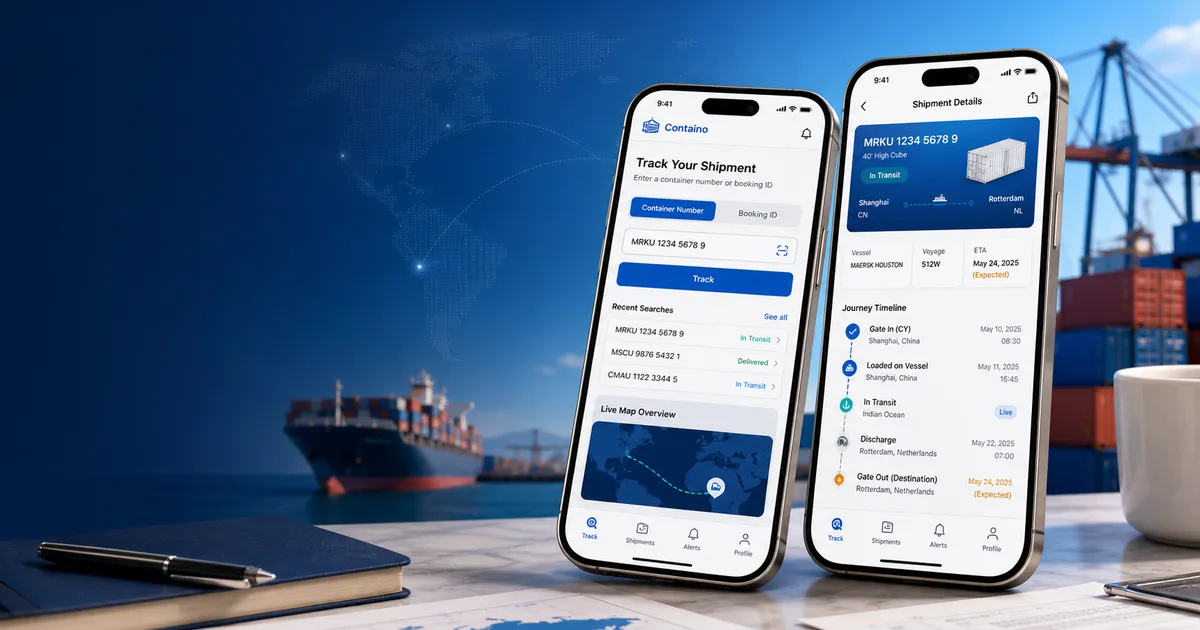
Check what has actually stayed the same
Look at the timestamp and latest event before concluding that the shipment has stopped. Container tracking commonly records milestones. A period with no new milestone can leave the displayed status unchanged. The absence of a new event alone does not establish where the container is now or why no update was returned.
Confirm the lookup details
Compare the submitted number with your shipment document. Check that you selected container-number mode for a container number, or booking-ID mode for a booking reference. Confirm the shipping line as well. A booking lookup may be unavailable even when the carrier is offered in the picker; availability depends on the provider and identifier mode.
Compare the dates and source
Read the most recent actual event separately from any planned event and ETA. A changed estimate and an unchanged event list describe different things. If Containo and the carrier disagree, compare their timestamps and confirm the current shipment details with the carrier. Repeatedly submitting the same lookup does not guarantee new carrier data.
Escalate with useful details
For a time-sensitive shipment, send the carrier or your forwarder the identifier, the latest event and its date, and the question you need resolved. Ask them to confirm the current shipment status. Do not use an unchanged app status as proof that a shipment is lost, or as authorization to arrange pickup.
Related guides
Check your next tracking step
Follow the supported input workflow and confirm time-sensitive decisions with your carrier.
Take the next step →